An independent iPhone & iPad app
A calm home for PDFs. Your offline PDF reader.
 JustPDF is for the documents you want to keep close. Read them in a quiet, local library, even when you’re offline.
A little less in your way.
Real screens from JustPDF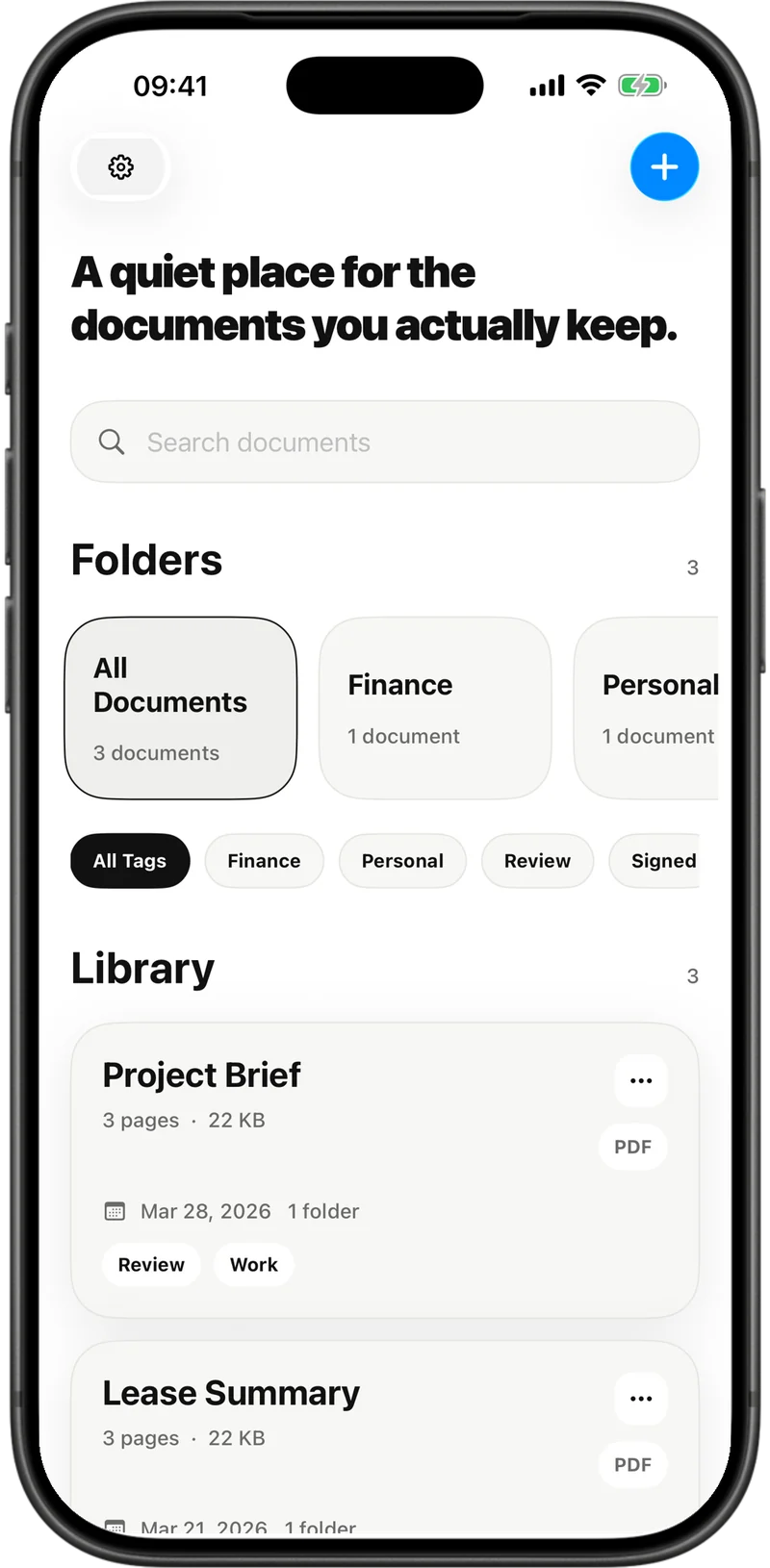
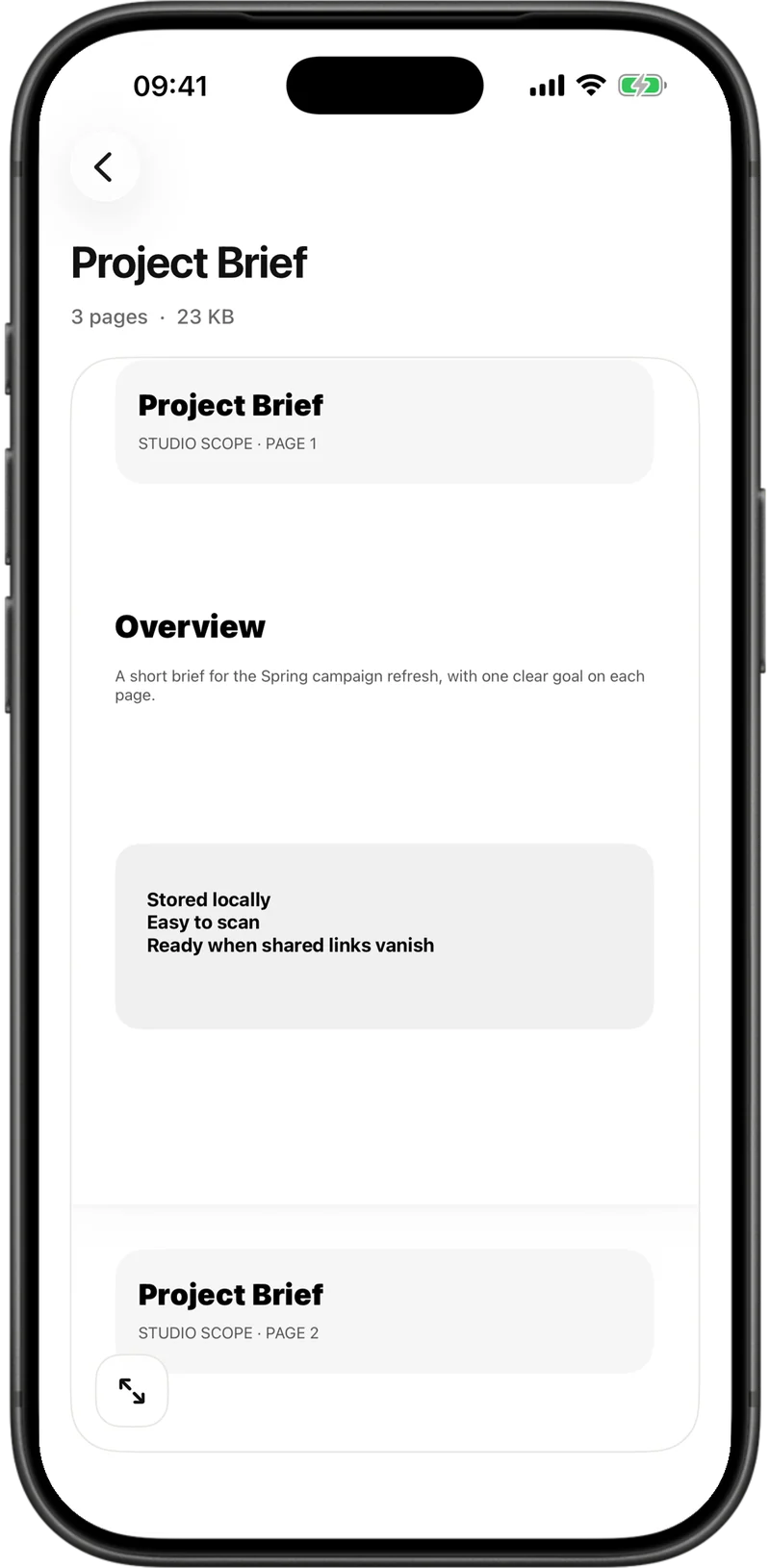
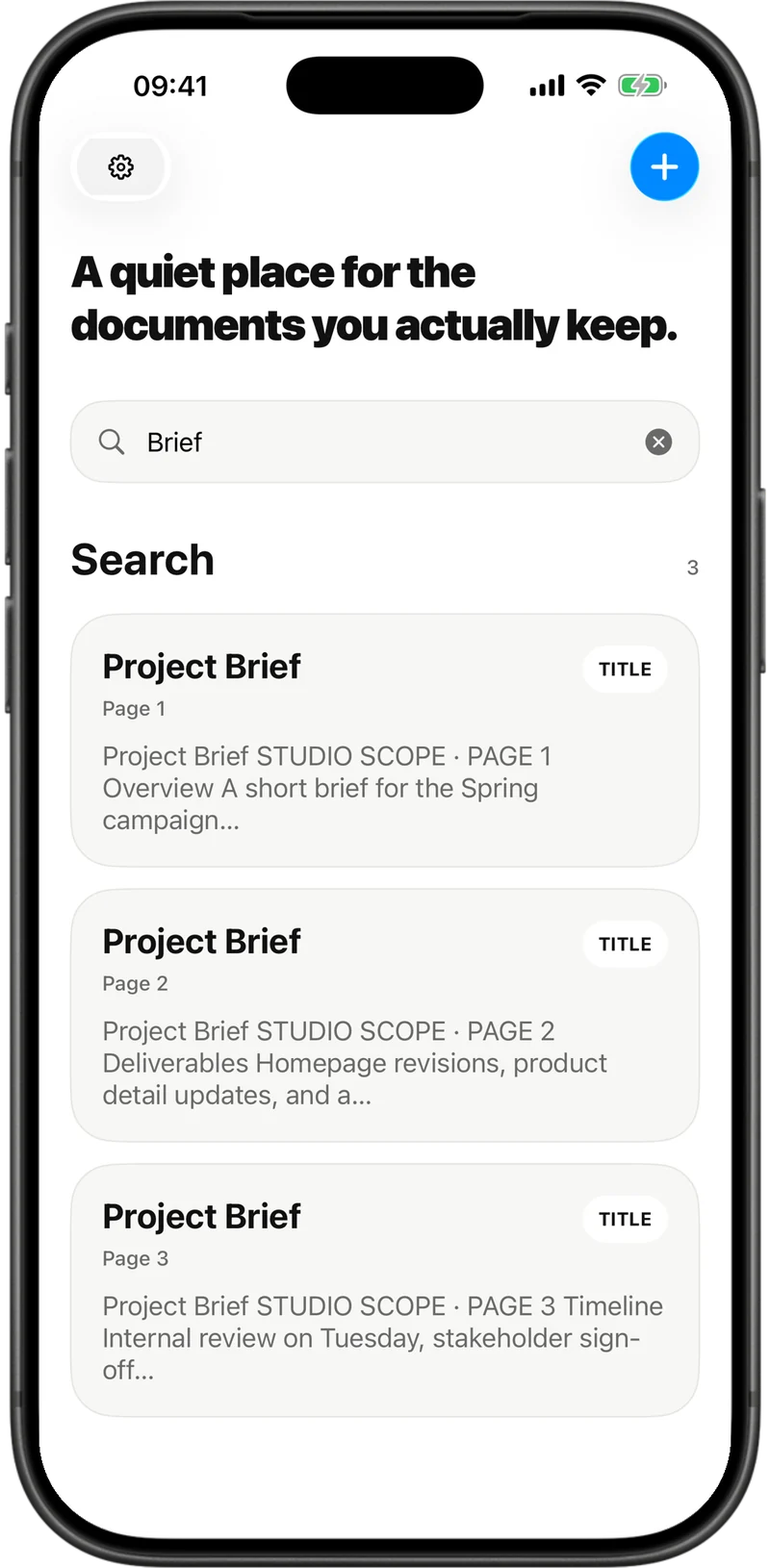
Built around your documents.
- Read wherever you are
- Import once, then read your locally available PDFs without Wi-Fi. No ads interrupt the page.
- Give everything a place
- Keep work files in folders, add tags and pin the documents you open often.
- Keep the choice yours
- Stay local, add an optional library lock, or enable iCloud sync with Pro when you want it.
Your first 3 PDFs are on us.
Need more room? Unlock unlimited imports with a one-time purchase.
Try JustPDFNo subscription. Pro also includes export, encrypted PDF transfer, PDF creation and editing, and optional iCloud sync. The app shows the current price; device storage still applies.
PDF reader questions, answered.
What is JustPDF?
JustPDF is an offline PDF reader for iPhone and iPad with a document library, folders, tags and pinned documents. It also supports Markdown, on-device text search and OCR, PDF markup, and Pro tools for creating and editing PDFs.
Is JustPDF free?
The free version allows 3 document imports in total, including imported or linked PDF and Markdown files. Deleting a document does not reset this counter. An optional one-time purchase removes the import-count limit and unlocks Pro features. There is no subscription. Available device storage still limits your library; the app shows the current regional price.
Can I read PDFs offline?
Yes, for documents imported as local copies and available on your device. A file linked from Files can still depend on its original file provider and internet access. Download cloud-only source files before importing. App download, purchases, purchase checks, iCloud sync and sending a bug report can require internet access.
How do I import a PDF?
Open a PDF in Files, Mail, Safari or another app, then use the share sheet to open it in JustPDF. You can also use the import action in the JustPDF library and choose a PDF from Files.
Do I need a JustPDF account?
No. The local reader does not require a JustPDF account. Apple handles App Store purchases. Optional iCloud sync uses your Apple Account, not a separate developer account.
Are my PDFs uploaded?
Imported copies are local by default. Linked documents remain at the location you choose in Files, which may be a cloud provider. If you enable Pro iCloud sync, selected documents, including readable linked files and Markdown, and library metadata are copied to your Apple iCloud container. Explicit sharing and export can also move files outside the app. JustPDF has no developer-hosted document storage service.
Does the app send any data to servers?
Purchase verification and restoration use Apple and RevenueCat, which process purchase information and an app user identifier. If you send a bug report, your text, optional email address and technical app details go through Netlify to Discord. Bug reports do not automatically attach PDFs or document contents. Optional iCloud sync sends selected library data to Apple.
Can I lock my PDF library with Face ID?
Yes. Set up the library lock with a 6-digit backup code, then optionally enable Face ID or Touch ID on a compatible device. Apple performs biometric authentication; JustPDF receives the result, not biometric templates. An app lock is not a claim that each local PDF is separately encrypted by the app.
Is iCloud sync enabled automatically?
No. It is off by default and requires Pro. You can choose the whole library, pinned documents or selected folders. Selected linked files can also be copied into the app’s iCloud container. Turning sync off does not necessarily delete existing iCloud copies or older payloads. Do not treat sync as your only backup.
Can JustPDF edit PDFs, recognize text or scan documents?
Yes, JustPDF supports PDF markup and Pro tools for creating PDFs from text and editing PDF content. Editing results depend on the document and supported PDF objects. On-device OCR helps search PDFs with little embedded text; it can make recognition mistakes. JustPDF is not a camera-based document scanner.
How do I restore a purchase?
Use Restore Purchases in the app settings with the Apple Account used for the original purchase. An internet connection may be required. Restoring paid access does not restore deleted local documents.
What happens when I delete the app?
Deleting the app normally removes its local document copies and search index. Keep important originals outside the app before uninstalling. Export and encrypted transfer are Pro features. Linked source files, existing iCloud copies and device backups are separate; Keychain credentials may also remain. Restoring a purchase restores paid access, not deleted documents.
Updated:
A few useful guides.
Published independently by Johanna Hoppe at HoppeDev.
Questions about your PDFs? Contact JustPDF support.